IPTV POST Luxembourg: set up LuxIPTV on your internet connection
You have a POST internet box and you want to watch IPTV Luxembourg at home? Here are the practical steps. This page is not affiliated with POST Luxembourg.
An important clarification first
This page explains how to use LuxIPTV when your home internet access is provided by POST (POST Technologies / POST Luxembourg). We are not affiliated with POST, we do not use its brand as a selling point, and LuxIPTV is not a service published by POST. “IPTV POST Luxembourg” and “POST Luxembourg IPTV” are simply the phrases many people type when they want to know whether IPTV works behind a POST box.
The principle is the same as with any other operator: LuxIPTV travels over *your* internet connection. The POST box is the gateway. It does not need to be “unlocked” by us, and we never ask for your operator login.
What you need
- An active home internet connection (the provider can be POST or another operator)
- A compatible device: smart TV, Fire TV Stick, Android, Apple TV, MAG box, computer, phone or tablet
- A LuxIPTV subscription (see IPTV subscription Luxembourg)
- For Full HD, a real-world speed of about 10 to 15 Mbps per stream is usually comfortable; 4K needs more. Our speed article gives figures
If several people watch at once, multiply the requirement. A typical home line in Luxembourg often carries two Full HD streams, provided heavy downloads are not filling the line in the evening.
Setup, step by step
- 1. Check that the internet box is on, that the lights are steady, and that your television or box is connected to Wi-Fi or, better, with an Ethernet cable.
- 2. Order LuxIPTV and receive your login details on WhatsApp. We will never ask for the password of your POST customer account.
- 3. Install the stated app for your device — the notes are in the setup guide.
- 4. Enter the service address and your details, then start a Full HD channel and watch it for a few minutes, ideally in the evening.
- 5. If the picture freezes, temporarily lower the quality, move closer to the box or switch to a cable, then contact 24/7 support if needed.
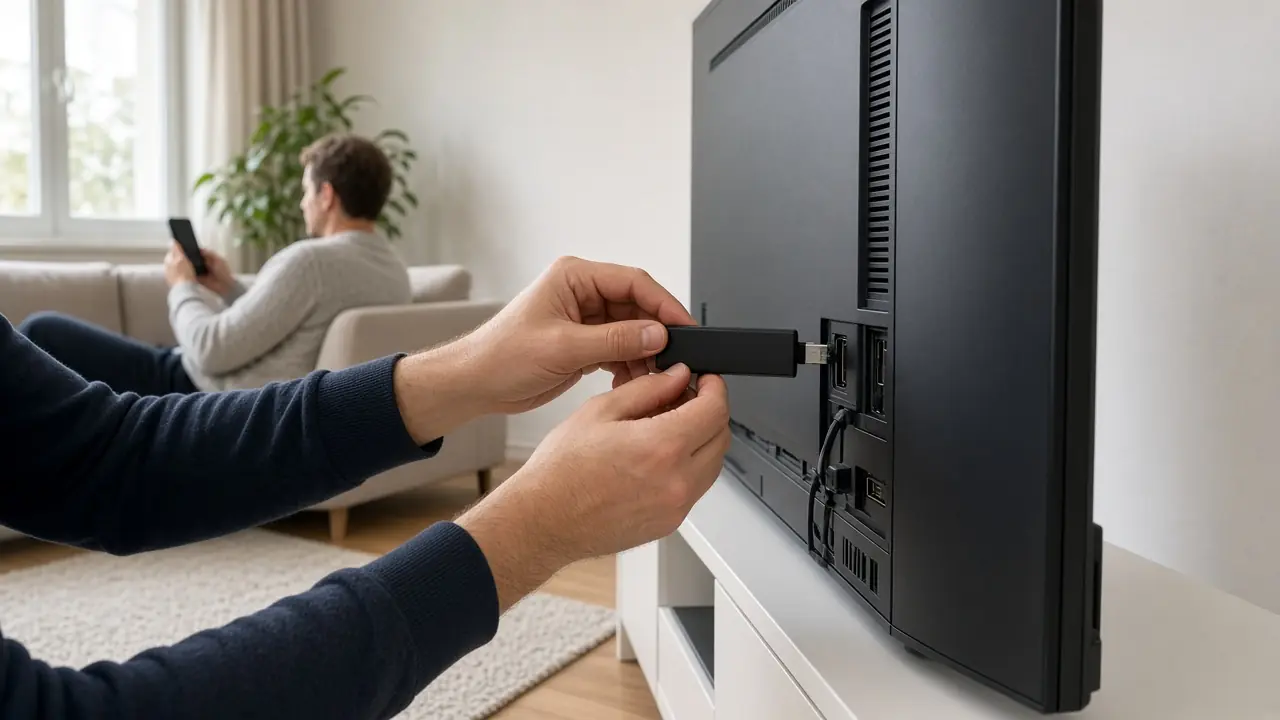
LuxIPTV does not need to be installed “inside” the POST box, and we do not supply any file to load onto the operator’s equipment. Everything happens on your television, box or phone.
Wi-Fi, cable and a distant room
In the stone houses of the old town, Wi-Fi sometimes struggles through the walls. If the living room is far from the box, an Ethernet cable or a good powerline adapter often changes more than a “mystery setting”. On Kirchberg or in a newer flat, Wi-Fi 5 or 6 will usually do.
Do not test only in the morning: in the evening, when the neighbourhood is busier, you will see how the line really behaves.

Common questions about POST and IPTV
Some people think they need the operator’s television option for an IPTV Luxembourg subscription to work. That is not the case for LuxIPTV: we do not use the operator’s TV decoder. Your internet subscription, however, remains essential, because it carries the stream.
We do not change advanced box settings (ports, DNS) unless our support asks you clearly, and only for settings that *you* control. If the line itself fails, the operator remains your contact for internet access.

What next?
Once the first stream is stable, you can add a second device. For the legal framework, read IPTV Luxembourg legal. To order, the price table is on the subscription page and on the IPTV Luxembourg home page.
Frequently asked questions
Do I need POST’s TV offer to use LuxIPTV?
No. LuxIPTV uses your internet connection, not the operator’s television decoder. This page is not affiliated with POST.
Will you change my box?
No. We do not install anything on the operator’s equipment and we do not ask for your internet login.
What speed do I need?
About 10 to 15 Mbps real per stream in Full HD, more in 4K. A typical home line in Luxembourg is usually enough.
What if the picture freezes in the evening?
Switch to a cable if you can, lower the quality for a moment, stop heavy downloads, then contact 24/7 support at +447868240819.