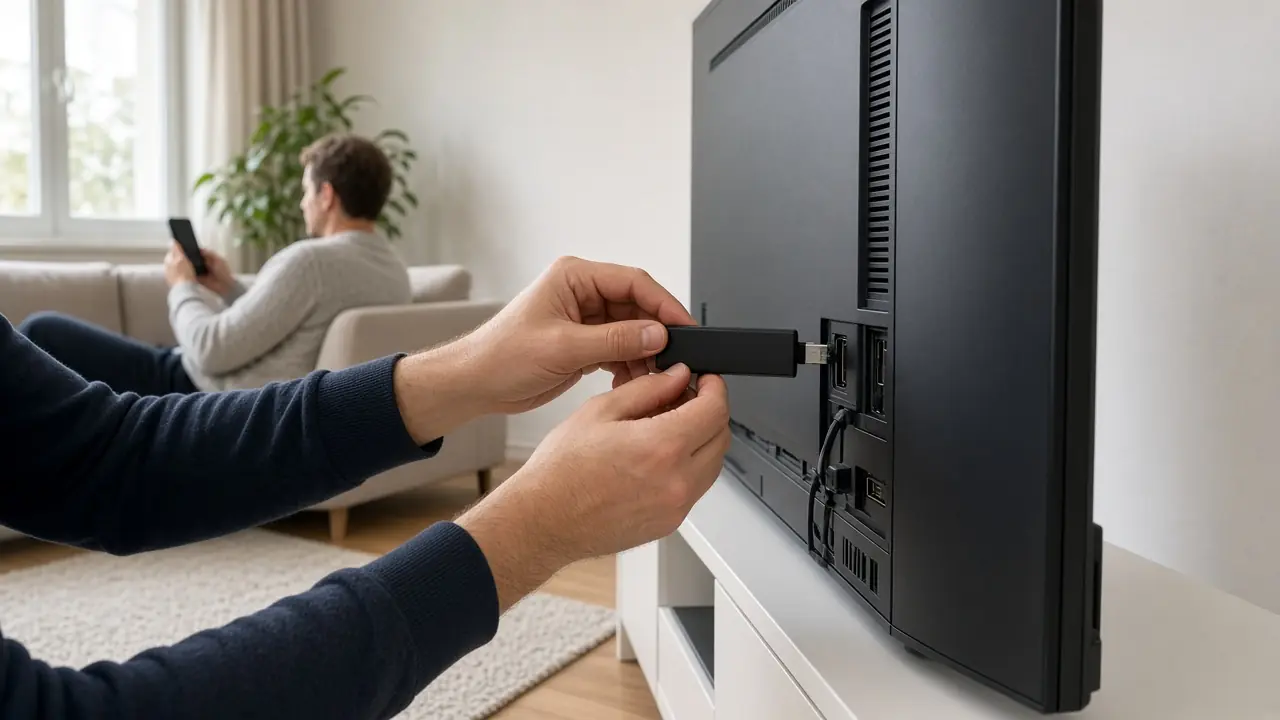
IPTV Luxembourg on a MAG box
MAG boxes are still common in Luxembourg. Here is how to load a LuxIPTV subscription, without risky tinkering.











About MAG boxes
A MAG box is often driven by a portal (a service address) rather than a high-street app store. If you already have one at home, we can attach your IPTV Luxembourg subscription to it. If you buy a second-hand unit, check that it boots, has a network port, and is not locked to a previous reseller.
Steps
- 1. Connect the MAG to the television (HDMI) and, preferably, to the internet box with an Ethernet cable.
- 2. In the box settings, open the portal or “server” section.
- 3. Enter exactly the address we send you on WhatsApp — one extra letter is enough for the connection to fail.
- 4. Save, restart the box, then wait for the channel list to load.
- 5. Test a Full HD channel first. If the list does not appear, check the cable and send us a photo of the error screen, without leaving full login details on it.
Do not install a random “modded firmware”: you could lose the box. Our support will tell you if an official update is useful.
Looking after the box
A MAG sometimes runs for years, then only needs a restart after a power cut. Use a socket strip with a switch, and do not yank the cable out. If the channel list empties, do not reload an old portal found in a doubtful email: ask support for the current address.
Older boxes have little memory; close background apps if any, and do not store personal files on the device. A ventilated spot behind the TV cabinet lengthens its life.
When a MAG and a smart TV sit side by side, use a dedicated HDMI input and name it in the television menu, so you do not switch on the wrong device on a tired evening.
Frequently asked questions
I do not have a MAG yet.
It is not required: a smart TV, a Fire TV Stick or Android will also do. We will advise you based on what you already have.