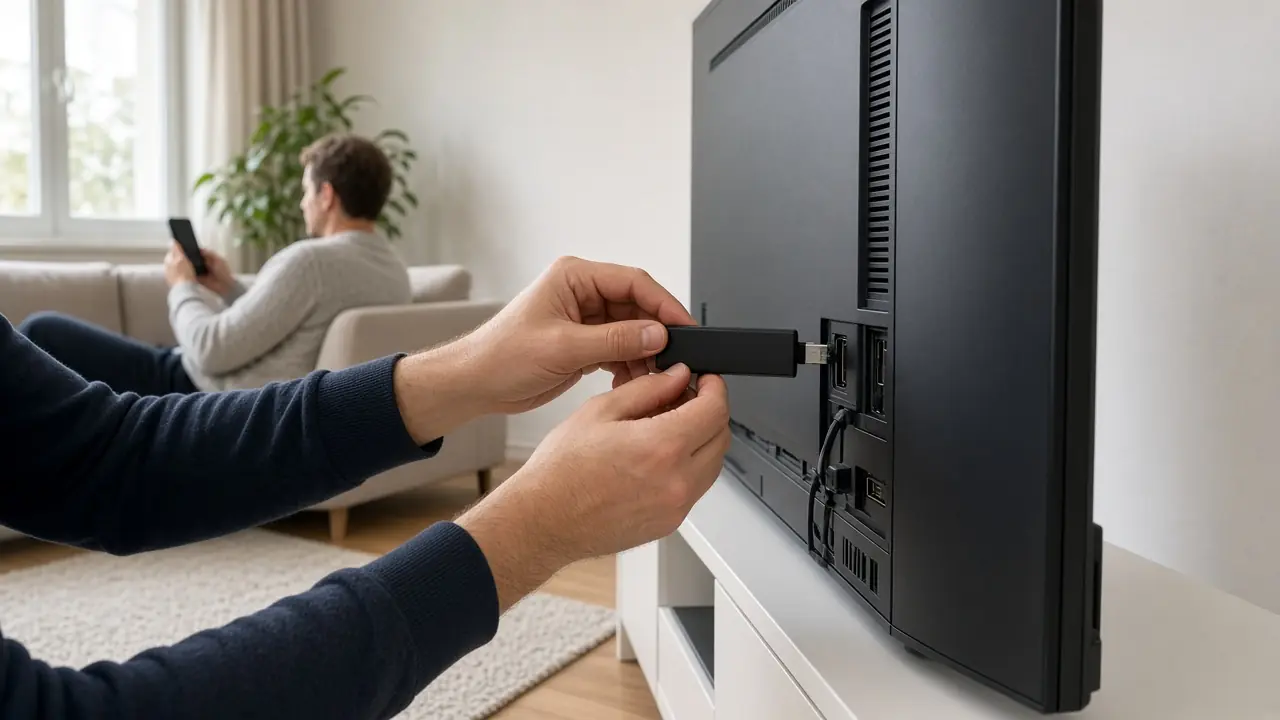
Set up IPTV Luxembourg on your device
Step-by-step guides for LuxIPTV: smart TV, Fire TV Stick, MAG box, Android and Apple TV. About ten minutes, with 24/7 support if you need it.
Where to start
LuxIPTV is not installed inside your operator’s box. You set it up on the television or box in the living room, or on a phone. After you order, you receive your login details on WhatsApp, then you follow the note for your device.











- IPTV on a smart TV — Samsung, LG, Hisense and other smart TVs
- IPTV on a Fire TV Stick
- IPTV on a MAG box
- IPTV on Android
- IPTV on Apple TV and iOS
If your internet access comes from POST, also read the IPTV POST Luxembourg guide, which implies no affiliation with the operator.
Prepare the room
Turn the television on, check the Wi-Fi or plug in an Ethernet cable, and keep your phone nearby for WhatsApp. A Full HD stream usually needs 10 to 15 Mbps real; see internet speed.
If something stalls
Lower the quality for a moment, move closer to the box, switch to a cable, then write to us. We never ask for your operator password. Support is available 24/7 at +447868240819.
Frequently asked questions
How long does it take?
Usually about ten minutes, once the login details have arrived.
Do you need to touch my internet box?
No. Everything happens on your television, box or phone.